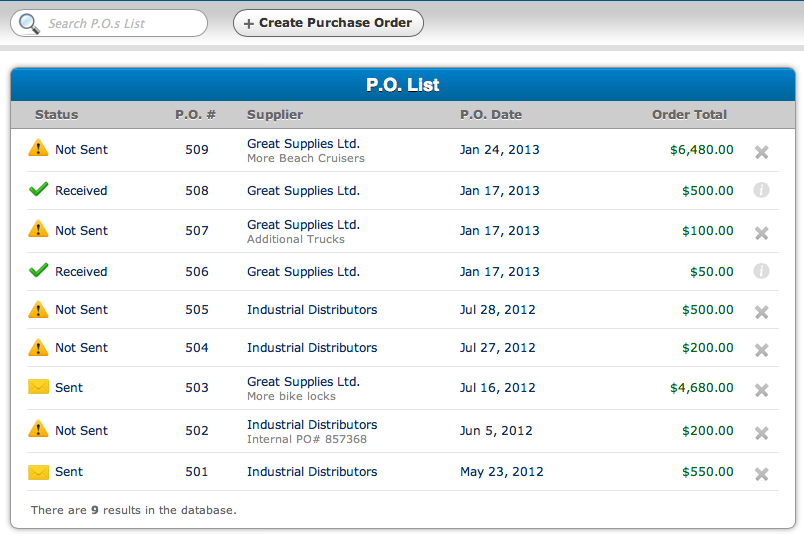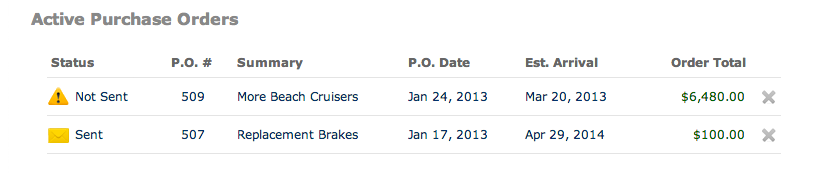
Track Your Purchases. Know When New Stock Will Arrive.
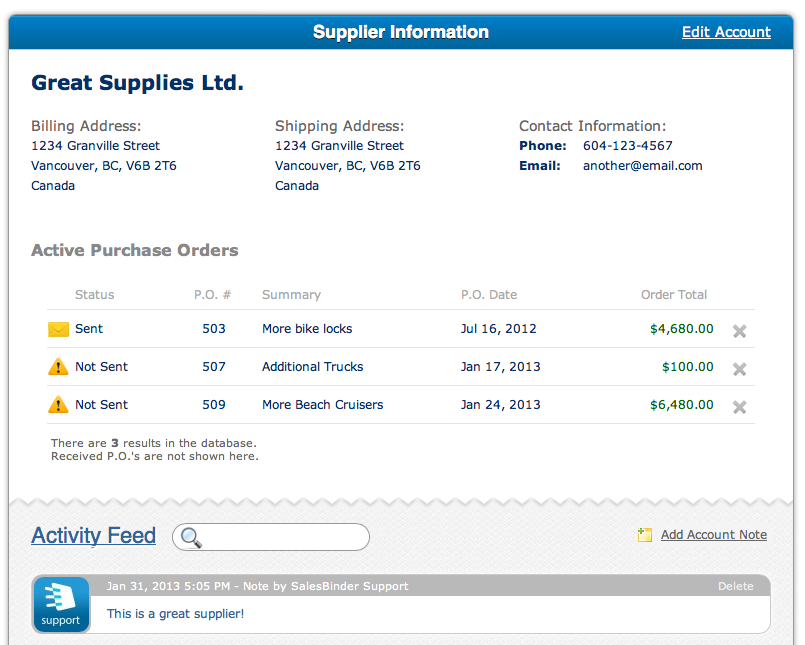
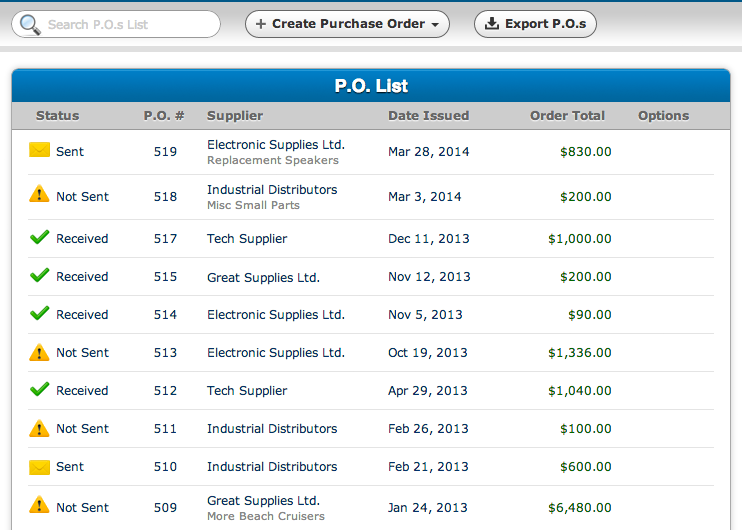
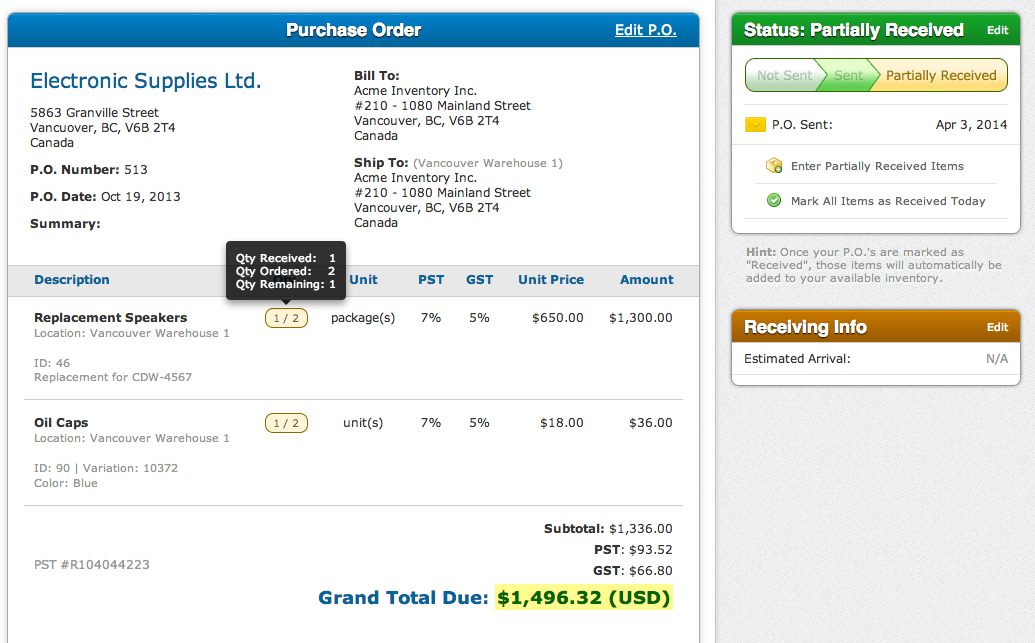
Creating purchase orders with SalesBinder is fast. Simply choose a location, a supplier, then SalesBinder will present you with a list of items offered by your supplier (based off your inventory list). This ensures you only order items from the correct supplier, and they all get sent to the correct location.
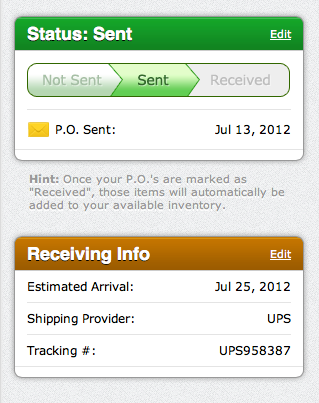
Mark a purchase order as "received", and the items from that P.O will automatically be added into your available stock. If the price per unit is different, we'll automatically calculate your "Averaged Weighted Cost" per unit as well as your latest cost per unit.