Barcode Scanning. Quick and Easy.
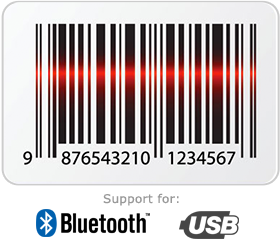 Using barcodes to keep track of your inventory and documents has never been easier:
- Scan and use existing product barcodes
- Scan items into your orders (invoices, estimates, and P.O's)
- Generate barcodes for your orders
- Scan barcodes to lookup their information
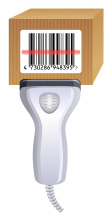
Barcoded Inventory Items
Enter your orders faster using barcodes. Click to create a new order, select the customer, then start scanning in your items and SalesBinder will do the rest. Tired of searching through your inventory list? Simply scan in a barcode to pull up that item's information.
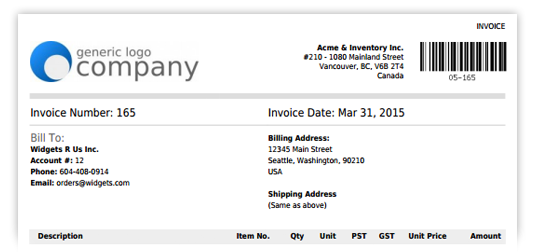
Barcoded Documents
Optionally display an auto-generated barcode on all your documents (invoices, estimates, and purchase orders). Quickly open one of those orders directly in SalesBinder simply by scanning the printed barcode.
How does it work?
It's actually a lot easier than you'd probably expect. All you need is a basic barcode scanner (which you can find online at very affordable prices). If you already have one, it's usually as easy as plugging it into your computer and it just works!
SalesBinder is designed to work with any barcode scanner right out of the box. Just be sure to turn on the "Barcoding" setting in your account (under Settings -> Barcoding).
Technical Details
- Compatible with most 1D barcodes (UPC, Code 128, Code 39, EAN, ISBN, Codabar, etc.)
- Supports all standard barcode scanners (USB and Bluetooth Wireless)
- Also works with tablets (iPad, Android, Windows) and mobile devices that support bluetooth keyboards
Note: For additional technical information on how to use barcode scanners with SalesBinder, please visit our helpful knowledge base.
Next: Item Variations
